Shared Drawing for Couples: Five Ideas to Try in Bunny
Choose Bunny when you want to make a drawing with your partner or leave one for them to find. Its shared whiteboard gives you one canvas to add to together, with Bunny Pro on iPhone and iPad. Start with something small: a shape, a silly face or a handwritten hello.
You don’t need matching drawing skills. Take turns adding a few lines and see what your partner makes of them. Here are five ideas to get you started.
Set up your shared canvas
- Install Bunny and create an account each. One partner creates a Love Nest and shares its invite code; the other joins using that code.
- Open Doodles from Bunny’s home or shortcuts. The shared whiteboard requires Bunny Pro and an internet connection.
- Tap the color dot to choose a color. Open Settings on the whiteboard to adjust the brush size.
- Draw a small test shape. Have your partner open Doodles, check that they can see it and add something beside it.
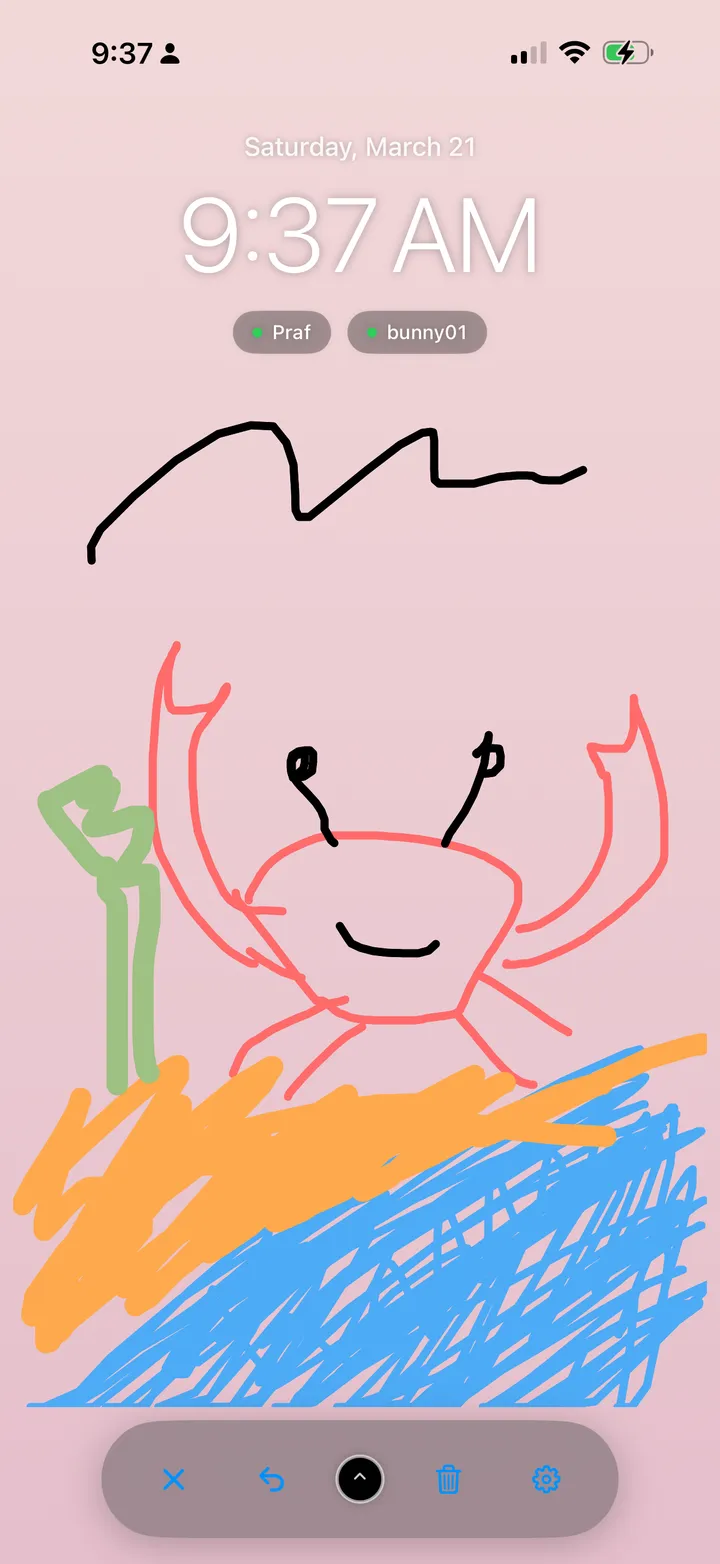
Five little drawing ideas to try
1. Finish my doodle
Draw an unfinished shape: a loop, a zigzag or half a face. Leave room for your partner to turn it into something. A loop could become a planet, a cat or tonight’s bowl of noodles. Take turns starting the next one.
2. Sketch tonight’s dinner
Draw one thing you ate, keeping it to a few lines. Your partner can add their own plate beside yours or draw what they think your dish was. Label it by hand after they guess, if your spaghetti looks suspiciously like a cloud.
3. Leave a morning hello
Draw a sun, a cup or a sleepy little face, then write a short hello. Leave space for a reply underneath. Your partner can add a moon or their own expression when they next open the board.
4. Build a tiny scene
Pick a color each. One of you draws a little house; the other adds a tree, a pet or something strange outside the window. Add one small detail per turn until you both think the scene is finished.
5. Make a two-box comic
Draw two small boxes in an area you can both see. Add a stick figure in the first; let your partner draw what happens next in the second. Try recreating a cooking mishap.
A few habits that make sharing easier
Before a detailed drawing, test a small sketch on both devices and use the area you can both see. Different screen sizes can cut off the edges. If something is cut off, redraw that detail inside your checked area. Get help if it keeps happening.
Undo removes the most recent stroke on the shared canvas. Clear removes the drawing for both of you, so agree before starting over. Take a device screenshot first if you want a copy. The board stays editable; it does not save drawings as separate letters or album entries.
Completed strokes save automatically while you’re connected. If a sync alert appears, reconnect and tap Retry before closing. Use Notify Partner to request a notification after drawing; delivery depends on their device permissions and settings.
Put the drawing on your Home Screen
Add Bunny’s Whiteboard widget to display the canvas outside the app. Each partner adds it on their own device. You draw in Bunny and tap the widget to reopen the whiteboard.
iOS controls refresh timing, so the widget may not change immediately. Open Bunny and the whiteboard online to load the latest drawing. Our drawing and widget setup page has the steps and supported sizes.
Choose Pro when you’re ready to draw
The shared whiteboard and drawing widget require Bunny Pro. Choose a one-time lifetime purchase or a weekly subscription, and check the current terms in the app. See Bunny’s free and Pro features.
You can start with basic bunny care and text love letters for free. Bunny’s interface is English, and both partners need a supported iPhone or iPad. There is currently no Android version.
Leave the first few lines
Connect with your partner, open the whiteboard with Pro and start a doodle for them to finish.
Frequently asked questions
What is a good shared drawing app for couples?
Choose Bunny if you want one editable canvas that you and your partner can both add to. The shared whiteboard requires Bunny Pro. Both partners need a supported iPhone or iPad, connected Bunny accounts and an internet connection.
Do we have to draw at the same time?
No. You can leave a drawing for your partner to open and add to later. Open the whiteboard with an internet connection to load and share updates.
Are these drawing activities built-in games?
No. They are ideas to try with Bunny’s drawing tools. You choose what to draw and how to take turns; Bunny does not run or score these activities.
Does Bunny keep an album of our drawings?
No. Bunny’s whiteboard is one editable canvas, not a drawing archive. Clearing it removes the drawing for your partner too. Text love letters are separate and remain in your mailbox.
Try together in Bunny: Raise a shared pet · Draw together · Send love notes
By Prafull Sharma · About Bunny · Free and Pro features