Your little doodles, on your Home Screen
Draw a heart, an inside joke or a tiny hello on your shared whiteboard. Add Bunny’s Whiteboard widget to keep your drawings close throughout the day.
Shared whiteboard included with Bunny Pro
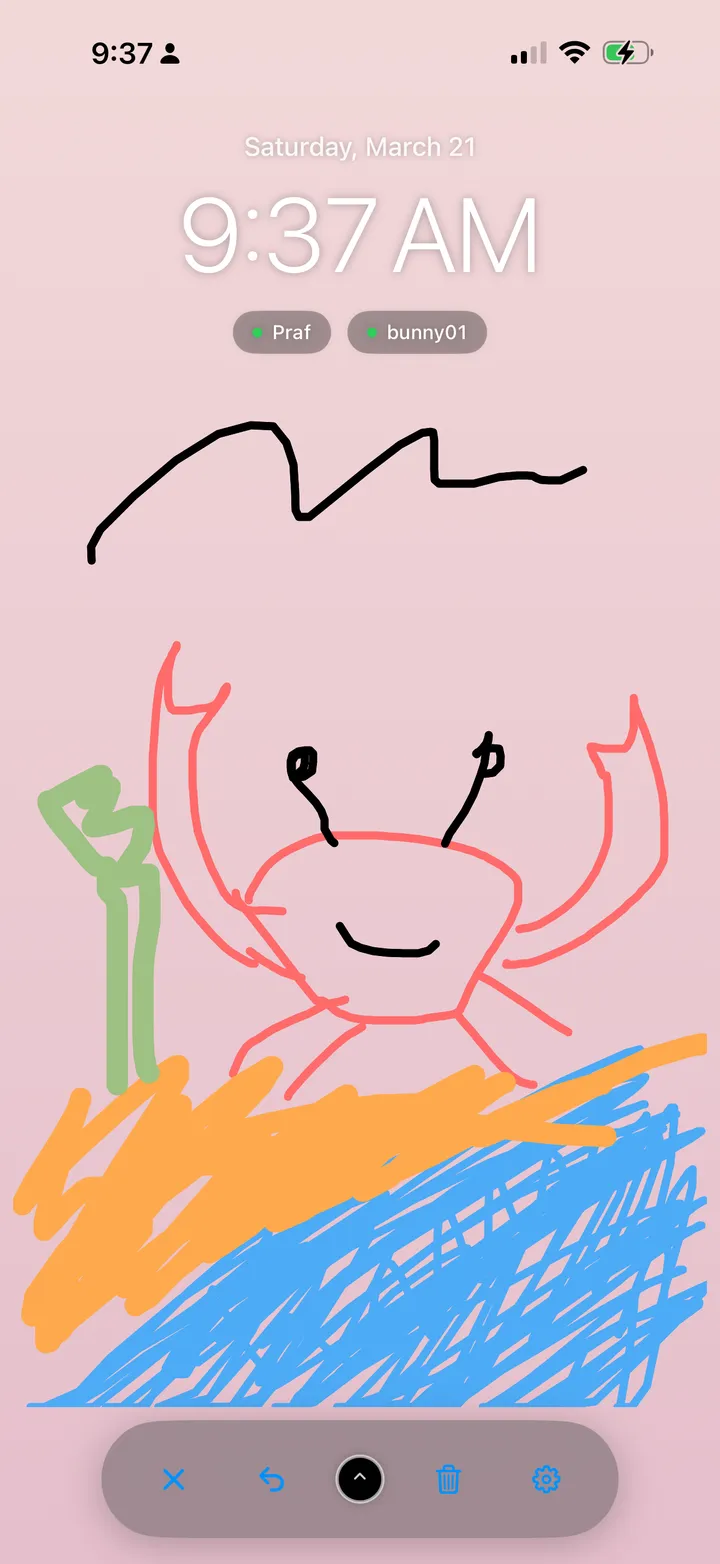
A shared canvas for the two of you
Connect with your partner, open the whiteboard and choose a brush color and size. Both of you can contribute to the drawing. Use undo for your last stroke, or clear the canvas when you’re ready to start again.
Try finishing each other’s drawing, sketching tonight’s dinner or leaving a good-morning heart. You don’t need to be good at drawing to make something that feels like you.
How to add Bunny’s drawing widget
- Install Bunny, connect with your partner and open your shared whiteboard.
- Make a drawing in Bunny, then return to your iPhone Home Screen.
- Touch and hold an empty area. Tap Edit, then Add Widget.
- Search for Bunny and select the Whiteboard widget.
- Choose a small, medium or large widget, tap Add Widget, position it and tap Done.
Each partner adds the widget on their own device. You can also follow Apple’s Home Screen widget instructions.
Keep your shared drawing up to date
The widget displays a saved view of your whiteboard. Open Bunny and the shared canvas to load the latest drawing; iOS decides when the Home Screen widget refreshes. Tap the widget whenever you want to open the board and add something.
Bunny is available on iPhone and iPad. Check the App Store listing for the current device requirements. The shared whiteboard requires Bunny Pro; current purchase options are shown in the app.
Questions about drawing together
Can my partner and I draw on the same canvas?
Yes. Bunny’s shared whiteboard lets connected partners add drawings to the same canvas. The whiteboard is a Bunny Pro feature.
Is this a Home Screen or Lock Screen widget?
Bunny’s Whiteboard widget is for the Home Screen. It displays your shared drawing in small, medium or large sizes. Tap it to open the whiteboard in Bunny.
Will the widget change instantly?
Widget refresh timing is controlled by iOS. If a drawing looks out of date, open Bunny and the shared whiteboard with an internet connection, then return to your Home Screen.
Is the shared whiteboard free?
Bunny is free to download; the shared whiteboard requires Bunny Pro. Review the current offer and included features in the app before purchasing.
Leave a little drawing for your partner
Explore Bunny’s shared whiteboard alongside love notes and a pet you care for together.