Bunny pricing
Start with a shared bunny and little love letters. Add Bunny Pro when you want more ways to create together.
Free
Small moments, every day.
- Shared bunny care with basic Feed, Play and Water actions
- Text love letters for your partner
- A mailbox for sent and received letters
- A shared plant to name and water
- Three free question packs: Travel Adventures, Foodie Fun and Random Fun
No purchase required for these features.
Bunny Pro
A little more room to create.
- Your free features, plus premium features
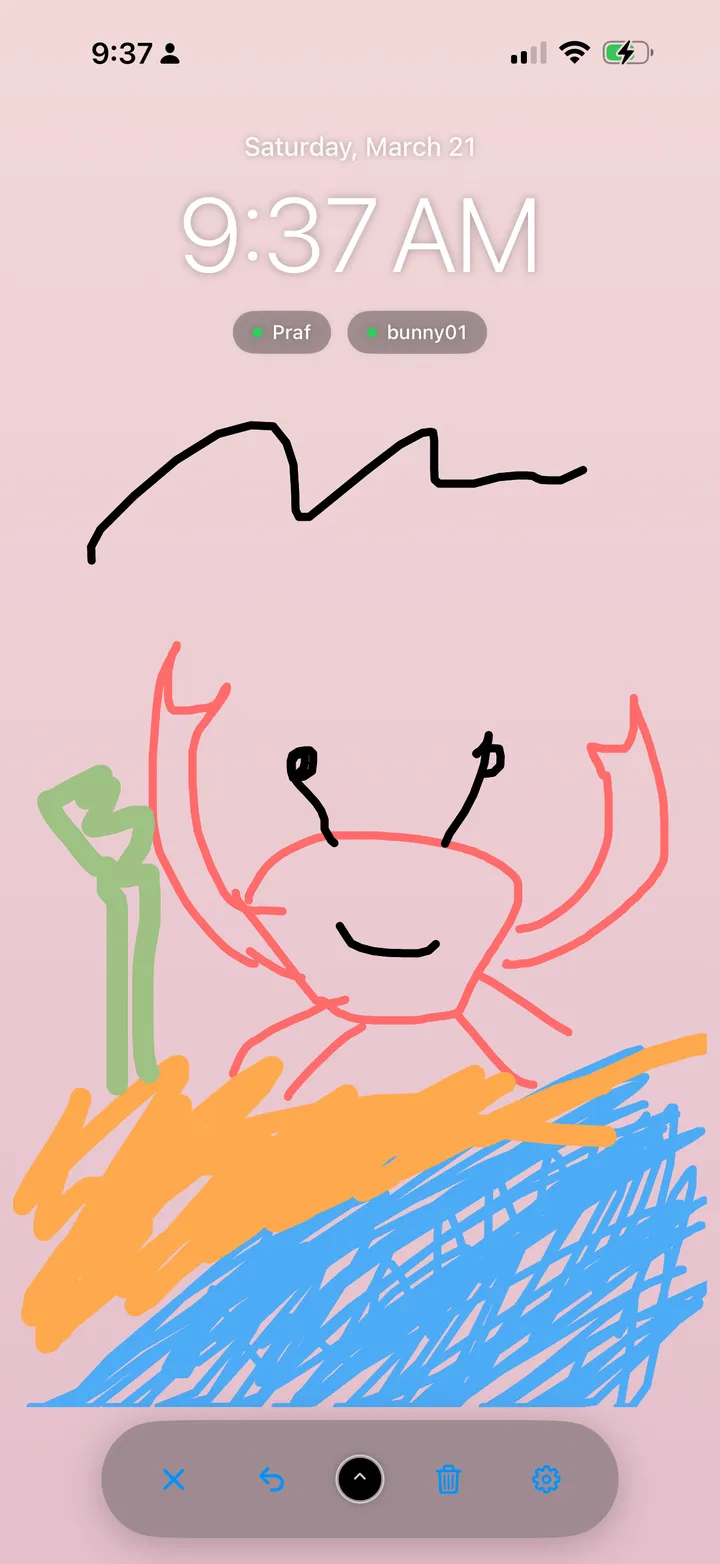
- A shared drawing whiteboard
- A Home Screen widget for your shared drawing
- Additional couple question packs
$1.99 USD / week
Auto-renewing subscription
$19.99 USD lifetime
One-time purchase
US App Store prices checked October 22, 2026. Prices and availability can vary by region. Confirm the amount and terms shown in Bunny before purchase. iOS controls when the drawing widget refreshes.
Prefer to skip recurring bills? See what you can share in Bunny without a subscription.
A little drawing for them to find
Draw half a face and let your partner finish it. Leave a handwritten hello or add something to their picture. Pro gives you one shared whiteboard you can both change.
Open Doodles in Bunny to draw. The canvas stays editable, and Clear removes it for both partners. Your saved text letters stay separate in the mailbox.
Try five drawing ideas, or follow the whiteboard and widget setup steps. If you want drawing without a recurring payment, choose the lifetime Pro option.
A few things to know
Can we use Bunny for free?
Yes. Basic Feed, Play and Water actions for your shared bunny, the shared plant, text love letters and the mailbox are free. Travel Adventures, Foodie Fun and Random Fun are free question packs. Bunny Pro adds premium features, including the shared whiteboard, its Home Screen widget and more question packs.
Is Bunny Pro Lifetime a subscription?
Bunny Pro Lifetime is a one-time purchase. Bunny Pro Weekly is a subscription that renews automatically unless canceled. Check the price and purchase terms shown in Bunny before choosing an option.
How do I restore an existing purchase?
Open Settings in Bunny and tap Restore Purchases. If you still need help with access, contact us through the Get help link below.
How do I manage or cancel the weekly subscription?
Open Settings in Bunny and tap App Store Subscriptions to manage your subscription through Apple. Deleting Bunny or your Bunny account does not cancel an App Store subscription.
Get help with Bunny or an existing purchase.
Make a little space for each other
Download Bunny, connect with your partner and start with the free features.
About Bunny · Get help · Terms · Privacy