Bunny’s Shared Whiteboard: A Little Canvas for the Two of You
Drawing together
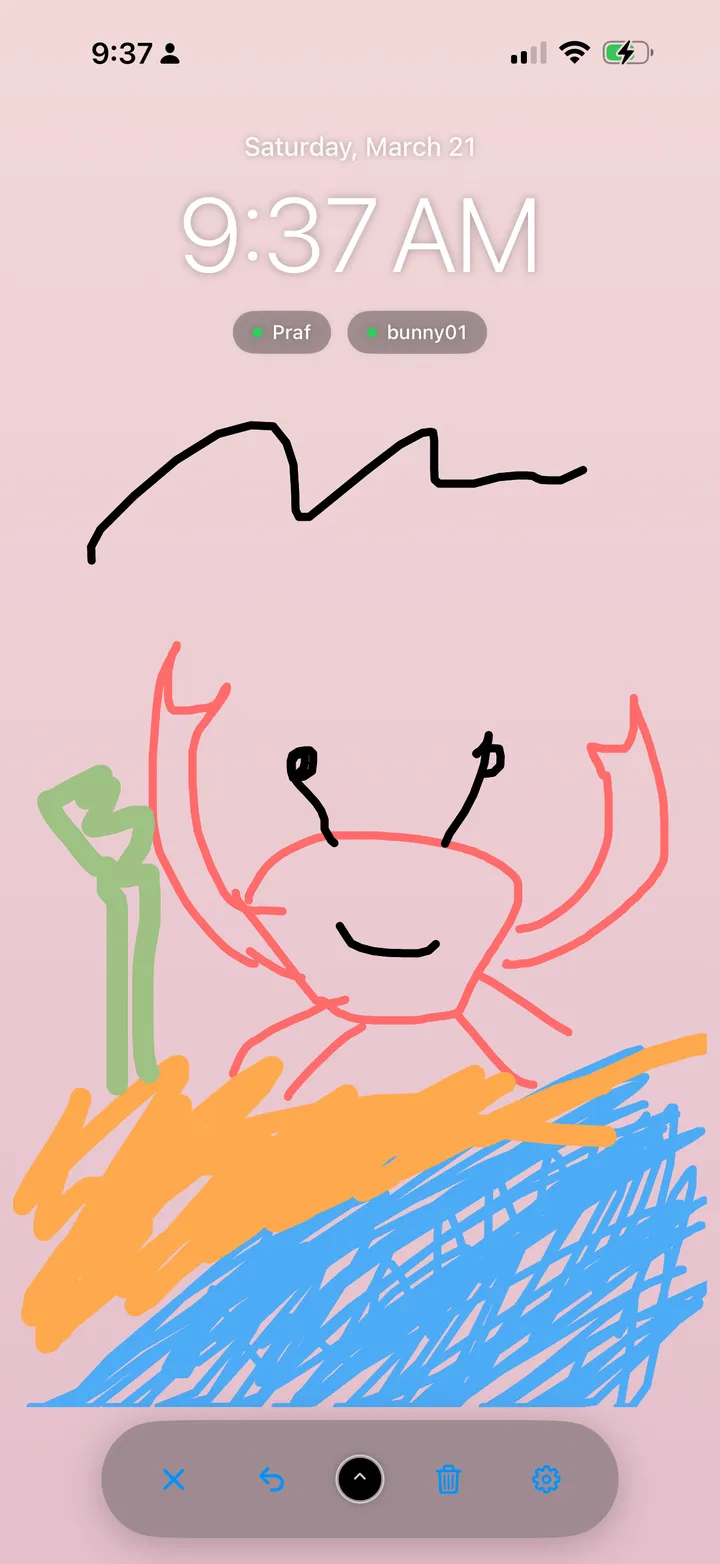
A drawing doesn’t have to be good to feel personal. A crooked heart, a sketch of dinner or a joke only your partner understands can make their next visit to Bunny feel like finding a little present.
One whiteboard you both contribute to
Bunny’s whiteboard is a shared, editable canvas. Connected partners open the same board and add their own strokes. You can draw during a call, or leave something for your partner to discover and finish later. The canvas is included with Bunny Pro.
That shared surface is what makes it fun: a circle you draw might become a sun in your partner’s hands, then a very unlikely holiday destination when you visit again. You don’t need to agree on the finished picture before starting.
Five things to draw when you have no idea what to draw
- A half-finished creature. Draw a head or a strange pair of feet. Ask your partner to add the rest, then name your creation together.
- Your next date. Sketch a cup, a picnic blanket or a cinema ticket. Let the drawing start a conversation about what you want to do.
- A moment from today. Draw the snack that saved your afternoon or the weather outside your window. Add a short handwritten caption.
- An inside joke. Recreate something only the two of you find funny. A recognizable detail is enough.
- A drawing guessing game. Pick an object, draw it without writing its name and let your partner guess on your call. Take turns using the same canvas.
These are activities you can invent around the whiteboard, so you can change the rules to suit yourselves. For more starting points, see our shared drawing guide.
How to make your first shared drawing
Install Bunny on both devices, create an account each and connect with a Love Nest invite code. With Pro, open Doodles, select a brush color and size, and draw a small shape. Completed strokes save automatically. If the app reports a save error, choose Retry before closing.
Your partner opens the board with an internet connection to see the drawing and add to it. Start with a small sketch on both devices so you can see how the canvas fits on each screen. Undo removes the most recent stroke on the shared canvas; clearing the board affects both of you.
Put a little of your shared world on the Home Screen
The optional Bunny Whiteboard widget displays your drawing in small, medium or large sizes. Add it through your iPhone’s Home Screen widget gallery, then tap it when you want to open the canvas and draw inside Bunny.
iOS controls widget refresh timing. If the picture looks old, open Bunny and the whiteboard with an internet connection, then return to the Home Screen. The whiteboard feature guide walks through setup.
Keep the board playful
The whiteboard is one changing canvas, so either partner can edit or clear it. Agree before replacing a drawing the other person loves. For words you want to keep and reread in the app, use a separate text love letter in the mailbox.
You can start Bunny with free basic pet care and text letters, then choose Pro if drawing becomes something you both want. Pro offers weekly and lifetime options; check what each includes and review the current in-app offer.
Try together in Bunny: Raise a shared pet · Draw together · Send love notes
By The Bunny team · About Bunny · Free and Pro features

